admin
admin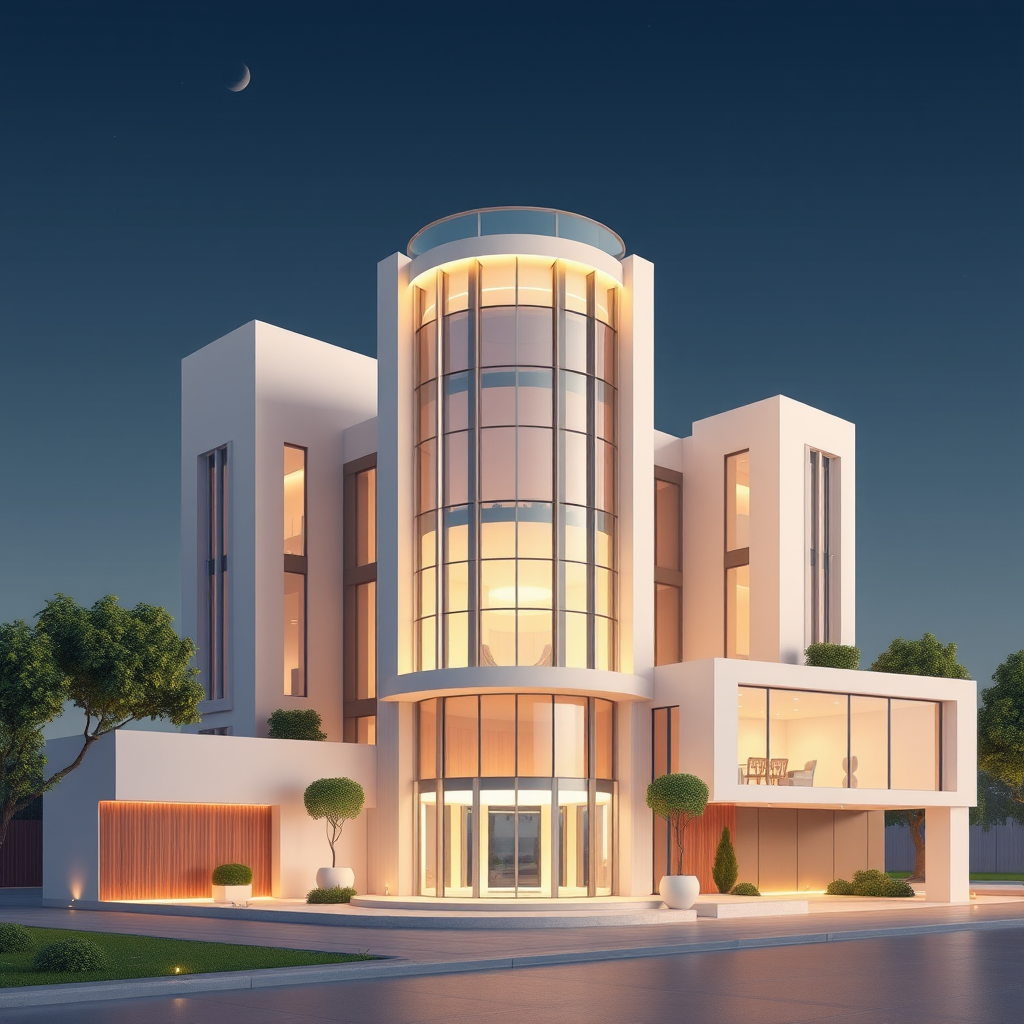
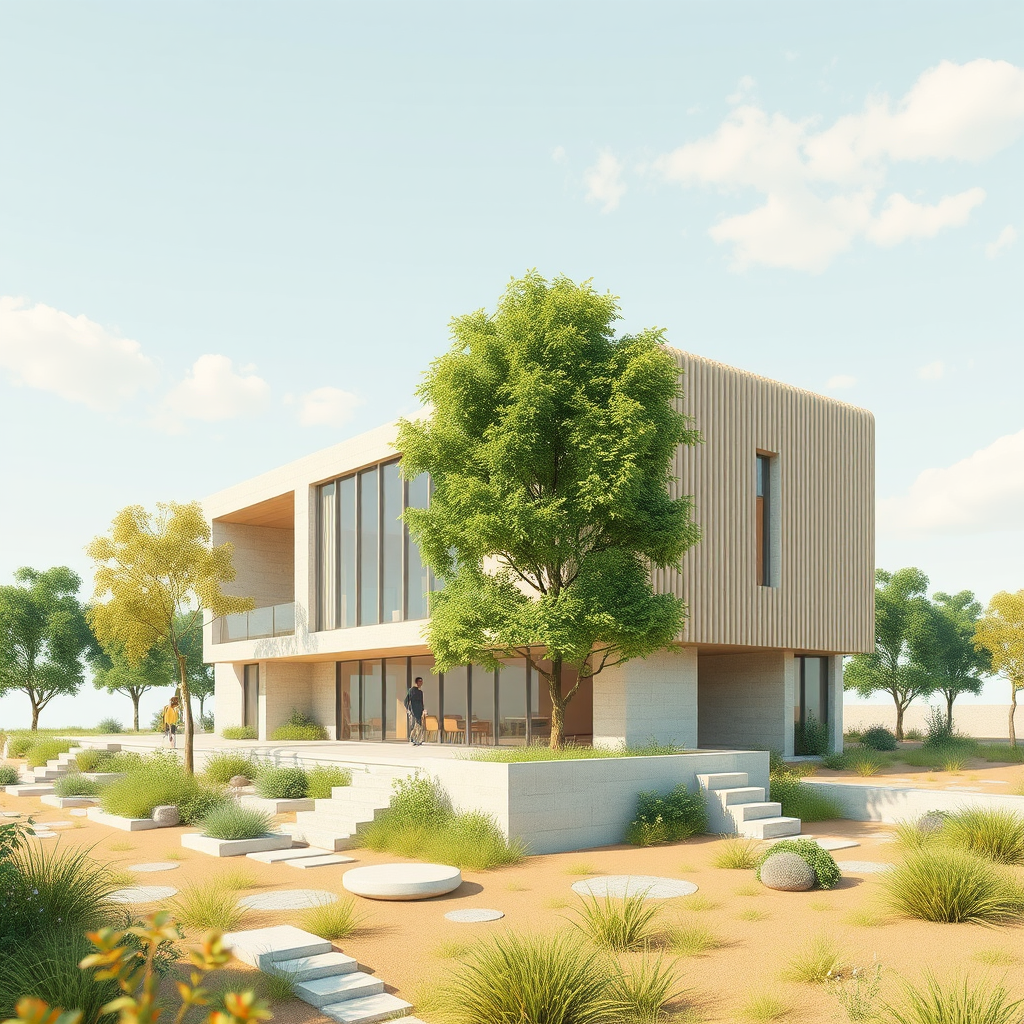
The architectural industry has spent the last decade mastering the art of photorealism. We moved from hand-drawn perspectives to ray-traced, static 3D renders that look indistinguishable from photographs. But despite this technical leap, a fundamental problem remains: static images fail to capture the feeling of a space. Studies show that while static images are informative, video content generates significantly higher engagement and emotional retention from clients. In a competitive bidding environment, a silent, still render often isn’t enough to sell the vision of a living, breathing building. This is where the ability to animate architectural renders with AI becomes a game-changing asset.
By integrating AI video tools into your existing BIM workflow, you can transition from “showing” a design to “experiencing” it without the traditional time costs of 4D animation. This post explores how to leverage an AI architecture generator to turn your still outputs into cinematic narratives.
How Does AI Animation Transform Client Presentations?
The primary value of adding motion to your visualizations isn’t just aesthetic; it’s psychological. When you animate architectural renders with AI, you bridge the gap between technical data and human experience. A static image shows a lobby with polished marble floors, but a short AI-generated clip reveals how natural light moves across that marble throughout the day, or how the trees outside sway in the wind.
Consider a recent scenario involving a mixed-use development proposal. The architectural team presented a board with 20 high-resolution static renders. While the board appreciated the design, they felt disconnected from the project’s “vibe.” By taking those exact same renders and processing them through an AI video model, the team generated 10-second loops showing water features flowing and pedestrians walking. The result? The immediate feedback shifted from “It looks nice” to “I can see myself there.”
This workflow solves the specific pain point of emotional resonance. Traditional animation requires setting up complex camera paths, rigging objects, and waiting hours (or days) for render farms. In contrast, AI tools can extrapolate motion from a single still image in minutes. This allows architects to produce dynamic walkthroughs or atmospheric loops that drastically reduce the “time-to-yes” in client negotiations.
What Is the Workflow from BIM to AI Video?
Integrating AI into your pipeline doesn’t mean abandoning your established CAD or BIM software like Revit, Archicad, or SketchUp. Instead, it acts as a powerful post-processing step. Here is how the modern workflow operates to optimize your BIM workflow:
First, you export your high-fidelity still render from your preferred engine—whether that’s Enscape, Lumion, V-Ray, or Twinmotion. The key here is to start with the best possible base image. AI cannot fix bad geometry or poor lighting composition, but it excels at adding temporal data to a high-quality spatial setup.
Once you have your still, you upload it to an AI architecture generator or video tool (such as Runway Gen-2, Pika Labs, or specialized architectural plugins). Instead of modeling a 3D cloud or a flowing river, you use text prompts to guide the AI. You might type: “Slow camera pan to the right, volumetric sunlight filtering through windows, gentle movement of foliage.” The AI analyzes the depth map of your image and synthesizes the motion pixels that didn’t exist before.
This approach addresses a major bottleneck: compatibility. You don’t need to learn complex keyframing in After Effects. If you know how to render a JPEG and type a sentence, you can produce video. This democratization of animation means that even small firms can compete with large studios that have dedicated animation departments, effectively leveling the playing field in design competitions.
Which AI Tools Are Essential for Architectural Motion?
While the market is flooded with new tools, certain features are non-negotiable for professionals. When selecting software to animate architectural renders with AI, you must prioritize “camera control” and “consistency.”
Generic AI video tools often produce “hallucinations”—where walls morph or windows slide away—because they don’t understand architectural geometry. However, newer tools designed for the industry allow you to upload “ControlNets” or depth maps. This tells the AI exactly where the walls, floor, and sky are, ensuring that when motion is added, the building structure remains rigid and only the environmental elements (clouds, water, traffic) move.
For example, tools that support “Image-to-Video” with structural guidance allow you to maintain the integrity of your BIM model’s geometry. You can specify that the camera performs a subtle “zoom in” or “pan left,” simulating a dolly shot without rendering a frame sequence. This is essential for maintaining professional standards. A client will not be impressed if the concrete columns start waving like trees; therefore, using tools that respect depth and edge detection is critical for a polished result.
Quick Implementation Tips
* Start with High-Res Exports: Always export your base renders at least 2K or 4K resolution. AI upscaling can introduce artifacts, so providing the sharpest source material ensures the final video looks professional on large screens.
* Use Subtle Prompts: Avoid asking for drastic movements (e.g., “fast explosion”). Instead, use keywords like “gentle,” “slow motion,” “cinematic,” and “fluid” to create a calming, architectural atmosphere that feels realistic.
* Loop for Impact: Create 5-10 second clips that loop seamlessly. These are perfect for autoplaying on your portfolio website or digital signage in a sales center, providing continuous ambiance without requiring a long video file.
* Batch Process Views: Don’t just animate the hero shot. Take your 3-4 key perspective views and process them all at once to create a consistent visual language for your entire presentation deck.
Key Takeaway
Learning to animate architectural renders with AI allows you to transform static deliverables into immersive stories in a fraction of the time traditional animation requires. By adopting these tools, you not only enhance your visual communication but also gain a decisive competitive edge in winning clients and winning projects.