admin
admin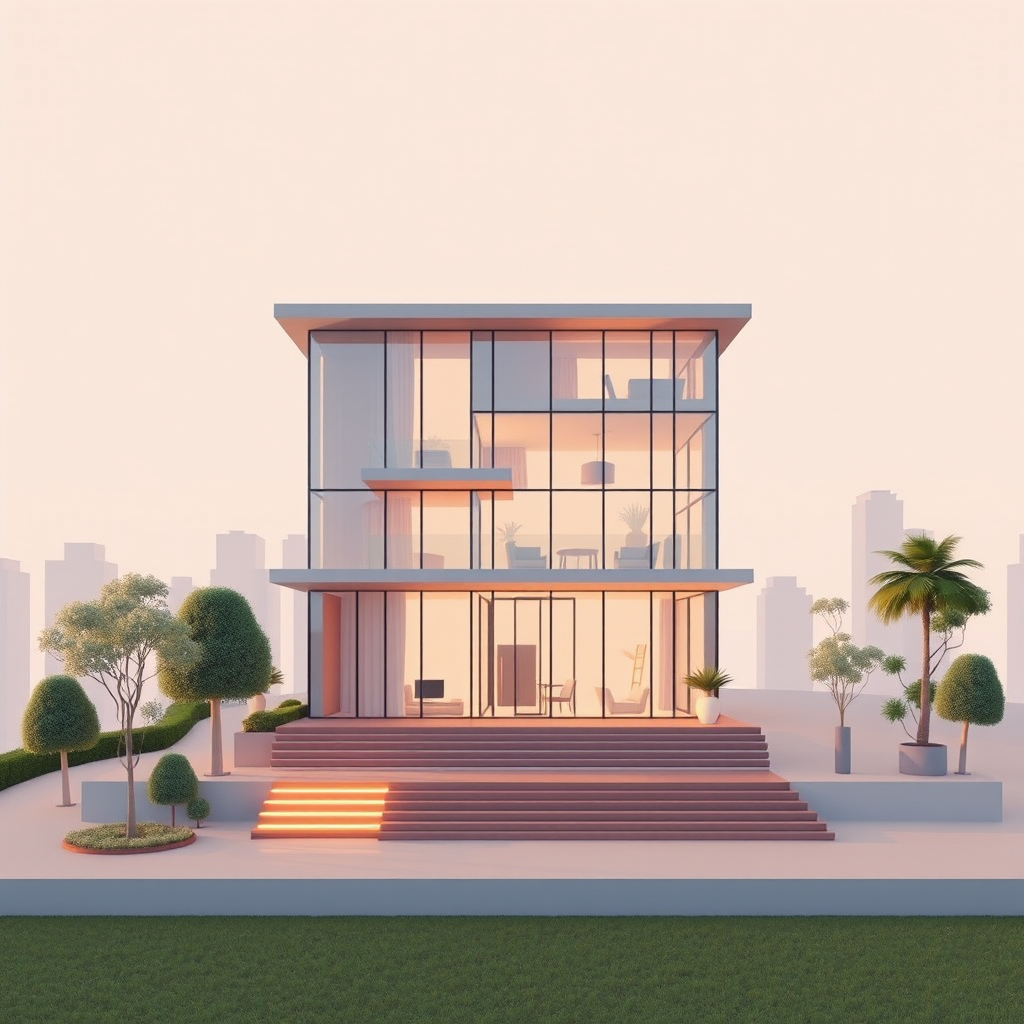
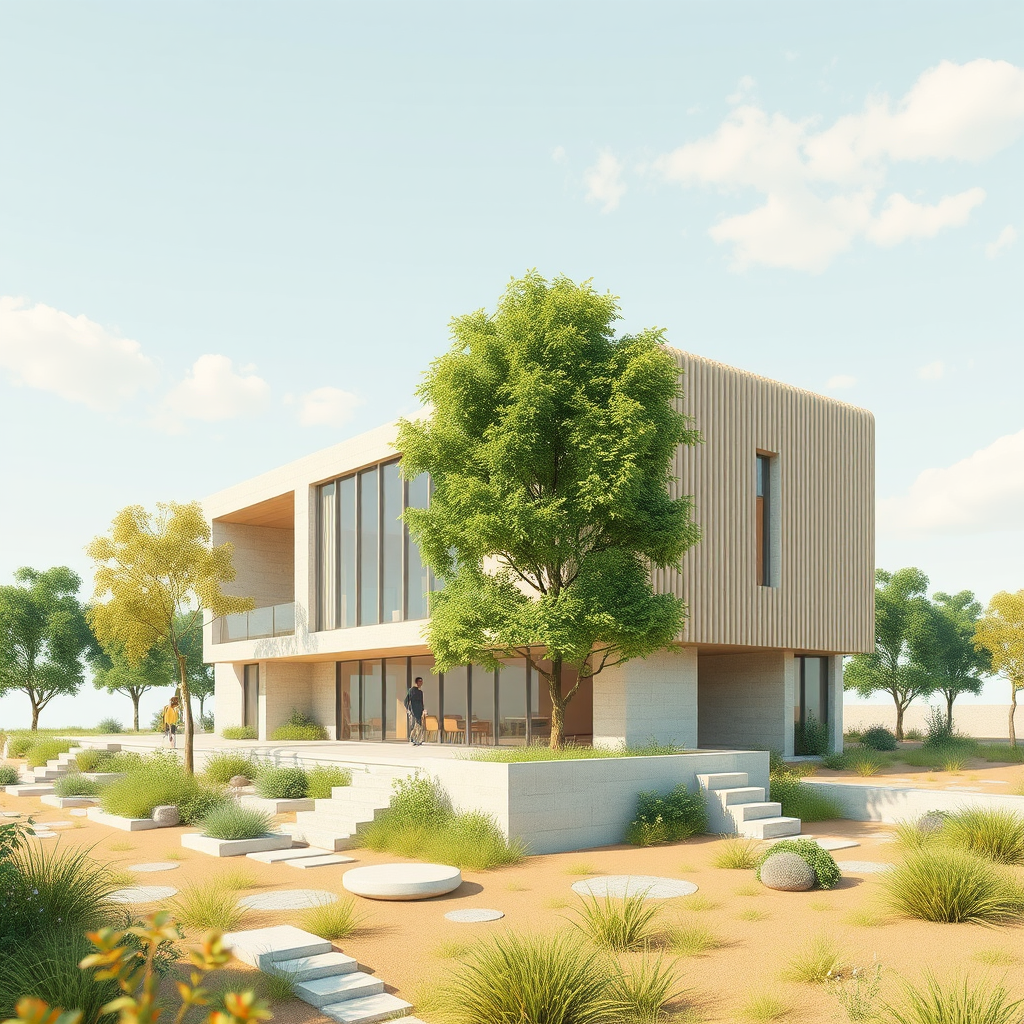
Did you know that while static images capture attention, video content holds retention for nearly 10 times longer? For architects and designers, this statistic represents a massive shift in how projects must be presented to win bids and client approval. We have already witnessed the industry transition from manual drafting to 3D modeling, and subsequently to photorealistic static rendering. However, a static image, no matter how photorealistic, often fails to convey the feeling of a space. Enter the new frontier: using AI to animate architectural renders. By leveraging AI architecture generators, professionals can now transform still images into professional, dynamic videos, optimizing the BIM workflow and creating compelling narratives without the traditional render farm overhead.
How Does AI Transform Static Visualization into Dynamic Storytelling?
For decades, the jump from a 3D model to a video required complex keyframing, powerful hardware, and hours of processing time for every second of footage. The AI architecture generator changes this equation entirely by interpreting the context of a static render and generating motion logically.
Instead of defining motion paths for every leaf or cloud, you simply upload a high-quality still image exported from your BIM software. The AI analyzes the geometry and lighting to predict movement. For example, water in a pool will ripple realistically, and clouds will drift across the sky based on the scene’s depth. This transforms a “dead” frame into a living environment. The measurable benefit here is efficiency; workflows that previously took 3-4 days to produce a 10-second flyover can now be accomplished in under an hour, allowing architects to iterate faster and present more options to clients.
Can AI Video Tools Integrate Seamlessly into Existing BIM Workflows?
A common concern among BIM Managers is adding yet another software license to the stack. The beauty of modern AI video tools lies in their compatibility with standard outputs. You do not need to abandon your primary modeling software like Revit, ArchiCAD, or SketchUp.
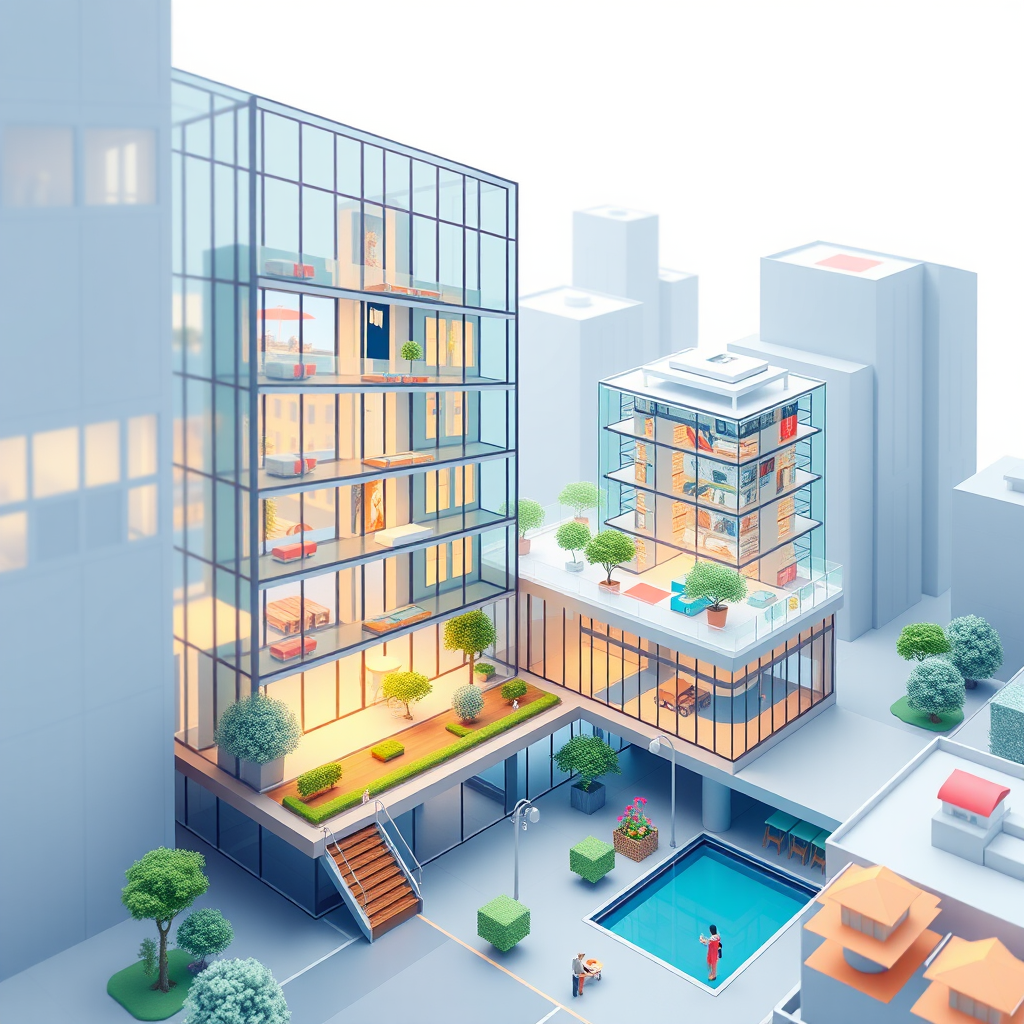
The workflow is surprisingly non-destructive. You complete your modeling and material assignment in your BIM environment as usual. Once you are satisfied with the composition, you export a high-resolution still render (using tools like Enscape, Twinmotion, or V-Ray) or even a high-quality screenshot. This static image serves as the foundation for the AI. Because the AI operates on the pixel data of the final image, it bypasses the heavy polygon counts that often slow down traditional animation engines. This means you can animate massive infrastructure projects or complex interiors on a standard laptop, democratizing high-end visualization for smaller firms that cannot afford expensive render farms.
How Can Generative AI Enhance Atmospheric Effects and Lighting?
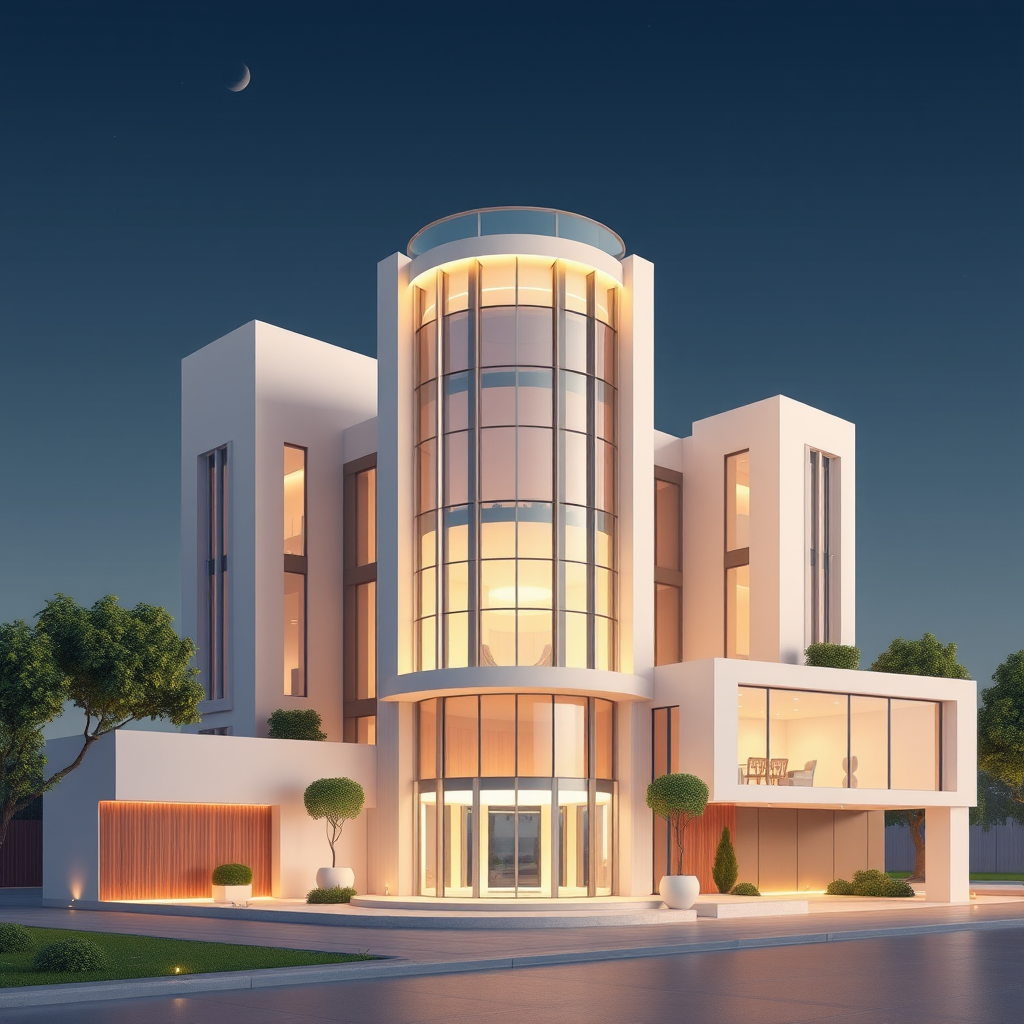
Lighting is the soul of architecture, but it is notoriously difficult to capture dynamically. In traditional rendering, changing the time of day from “Golden Hour” to “Blue Hour” requires a complete re-calculation of light bounces, often taking hours to render. AI video generators offer a game-changing shortcut through text-prompt controls.
By using specific natural language prompts, architects can dictate the mood and atmosphere of the video post-render. For instance, you can instruct the AI to “add slow drifting fog” or “introduce warm, cinematic sunset lighting.” The AI applies these effects intelligently, respecting the geometry of the building. This allows for rapid exploration of different emotional tones for a presentation. Imagine showing a client the same building rendered in the bright optimism of a midday morning, followed immediately by a moody, dramatic twilight version—all without re-opening the 3D model. This capability is essential for marketing and stakeholder engagement, providing an emotional hook that blueprints and static renders simply cannot achieve.
Quick Implementation Tips
* Start with High-Res Exports: AI video tools upscale significantly better than they downscale. Always export your stills at 4K resolution from your BIM tool to ensure the final video remains crisp.
Use Descriptive Negative Prompts: When generating motion, explicitly tell the AI what not* to do. Use phrases like “no morphing geometry,” “no warping,” or “camera static” to prevent the AI from distorting the straight lines essential to architectural integrity.
* Loop for Impact: Create 5-10 second video loops of specific details (like water features or foliage) to embed directly into PDF presentations or interactive client decks.
* Batch Process Variations: Export your render at three different times of day (Morning, Noon, Dusk) and run them through the AI video generator simultaneously to give clients a “day in the life” of the project view.
Key Takeaway
Integrating AI to animate architectural renders bridges the gap between technical documentation and emotional storytelling. By adopting this workflow, architects can reduce production time by up to 70% while delivering the immersive, cinematic experiences that modern clients demand.