admin
admin
Hook Paragraph:
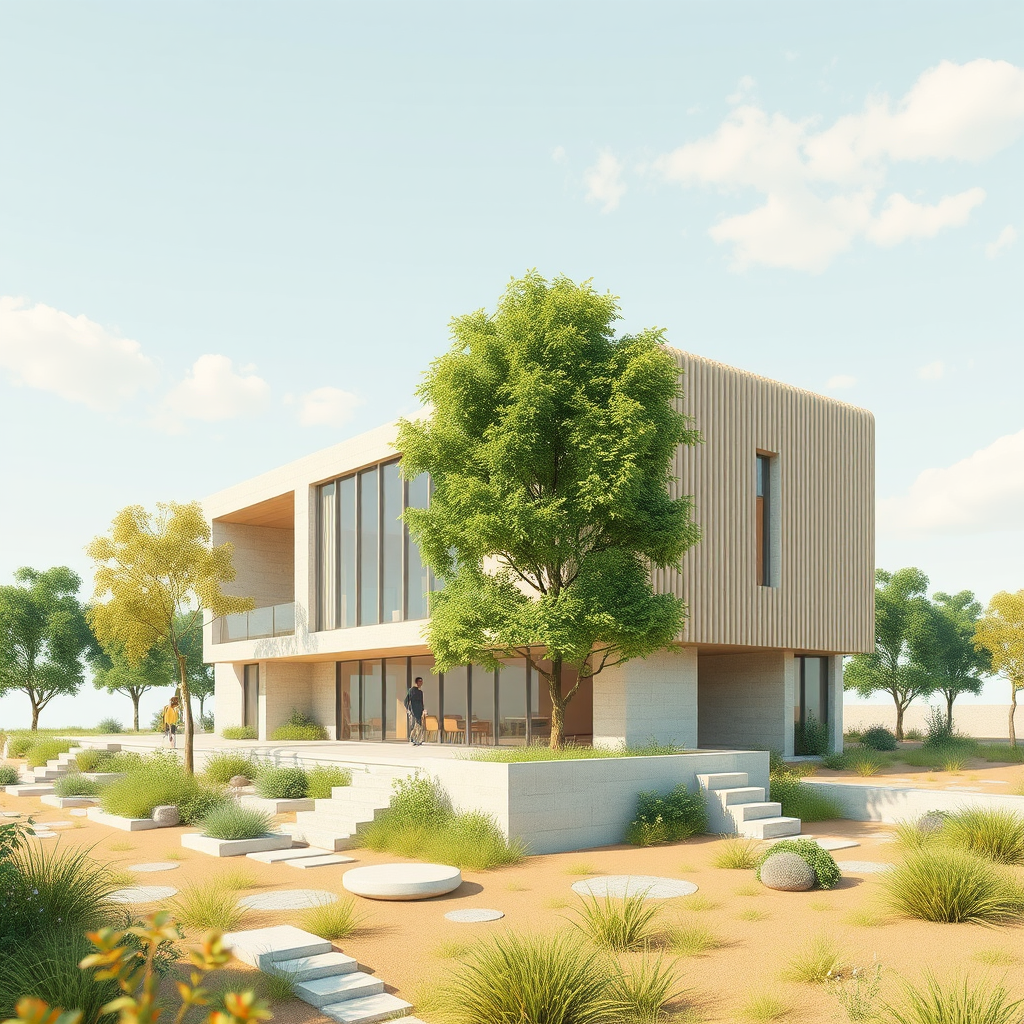
For decades, the architectural industry has relied on the “golden shot”—that single, pristine photorealistic image meant to sell an entire design vision. But let’s be honest: static renders often fail to capture the feeling of a space, leaving clients struggling to truly visualize the atmosphere and flow of a project. We have successfully transitioned from drafting lines to 3D modeling, but presenting designs is stuck in the past. Enter AI render animation, a game-changing technology that is rapidly reshaping how we approach visualization. By converting still images into dynamic video content, architects can now bridge the gap between static data and emotional storytelling without the traditional headache of timeline-based rendering.
How Does AI Bridge the Gap Between Static and Video?
The most significant barrier to traditional architectural animation has always been time. Creating a 30-second walkthrough in 3ds Max or Lumion used to take days of rendering power and complex keyframe pathing. AI render animation tools completely dismantle this bottleneck by using generative algorithms to interpolate motion between static frames or generate video directly from text prompts combined with a base image.
Imagine finishing a high-quality render in Enscape or V-Ray. Instead of waiting for a render farm to process a flythrough, you upload that single still image to an AI video generator. Within minutes, the tool generates clouds moving across the sky, water rippling in a pool, or subtle camera pans that mimic a drone shot. This workflow doesn’t just save time; it transforms a static presentation into an immersive experience. Firms utilizing these tools report reducing their visualization turnaround time by up to 70%, allowing for faster iterations and more client feedback loops. The result is a cinematic output that was previously reserved for projects with massive budgets, now accessible for schematic design phases.
Can AI Animation Tools Integrate with Standard BIM Workflows?
A common misconception is that adopting AI requires abandoning established BIM platforms like Revit or Archicad. In reality, AI architecture generators function as a powerful post-processing layer that fits seamlessly into your existing ecosystem. The workflow remains surprisingly familiar: model in BIM, render in your preferred engine, and animate with AI. This integration is essential for maintaining data accuracy while maximizing visual impact.
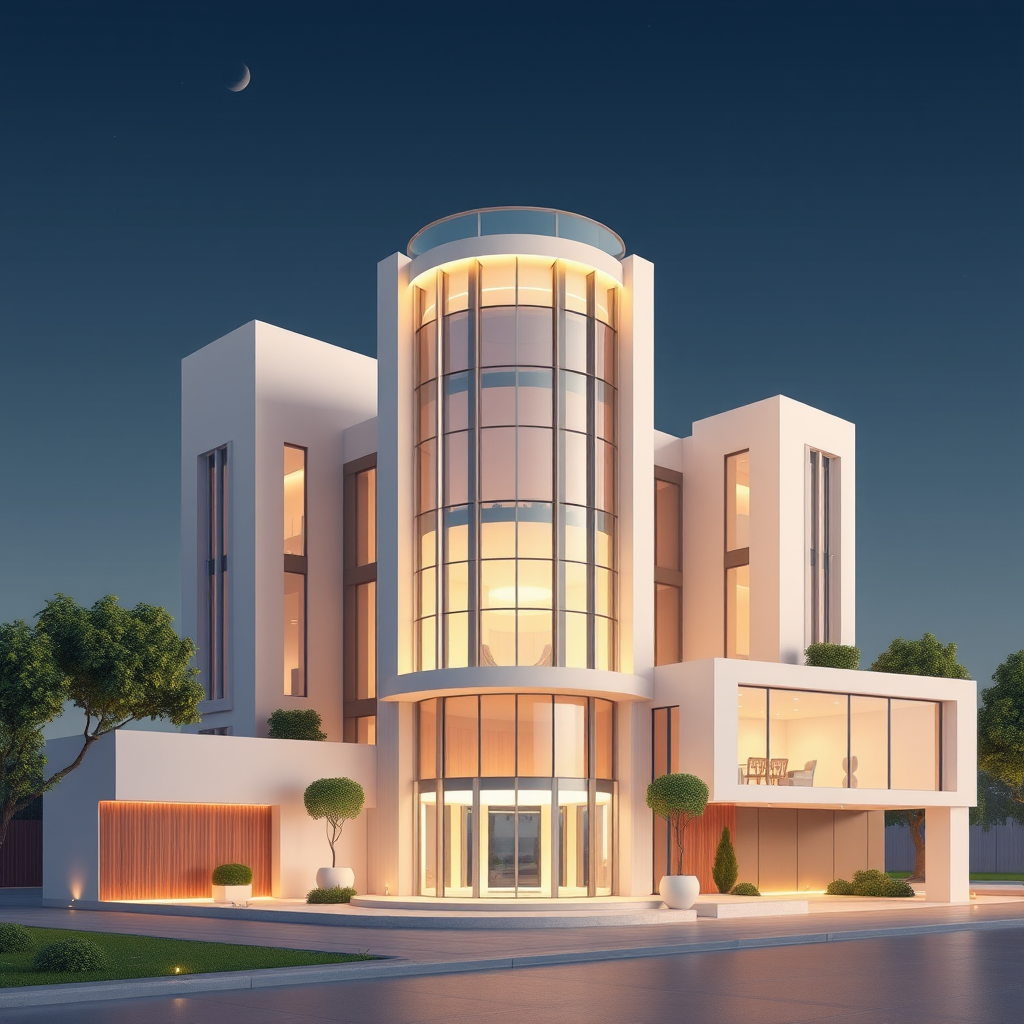
Consider a real-world scenario: An architect needs to show the transition of daylight from morning to evening in a residential living room. Traditionally, this would require setting up multiple light states and rendering a sequence of high-resolution images. By integrating AI tools, the architect can render just one high-quality morning view. The AI then analyzes the geometry and lighting in the image to generate a seamless transition to golden hour, creating a video loop that emphasizes the materiality and lighting design without re-rendering in the BIM environment. This approach solves the workflow bottleneck of “rendering paralysis,” where designers stop designing because they are waiting for processing power to catch up.
What Are the Best Techniques for Dynamic Storytelling?
While the technology is powerful, the output depends heavily on the input and the strategy behind the motion. To truly animate architectural renders effectively, you must move beyond simply adding movement and focus on guiding the viewer’s eye. The goal of dynamic storytelling is to highlight architectural intent—whether that’s the flow of circulation, the scale of a structure, or the interaction of light and form.
One proven technique is the “subtle parallax” effect. Instead of aggressive camera movements that can distort the perspective of a BIM model, use AI to create slight shifts in camera angle. This adds depth and 3D perception to a 2D image, making the building feel tangible. Another essential technique is environmental animation. Adding life—such as moving foliage, walking people, or changing weather—contextualizes the building within its environment. For example, animating the reflection of passing clouds on a glass facade can convey the building’s transparency and connection to the outdoors more effectively than a static render ever could. These specific, controlled movements turn a cold technical model into a warm, livable space.
Quick Implementation Tips
* Start with High-Resolution Base Images: AI video tools upscale artifacts. Always export your still renders at least 2K or 4K resolution to ensure the final video remains crisp and professional.
* Use Specific Motion Prompts: When using text-to-video AI, describe the movement precisely (e.g., “slow pan right, cinematic lighting, 4k”) rather than vague terms like “move” to avoid distorted geometry.
* Loop for Presentations: Generate 5-10 second seamless loops of environmental elements (water, fire, clouds) to layer over your static renders in presentation software, creating a “living” image without a full video file.
* Maintain Material Consistency: Ensure your initial render has clear material definitions. AI struggles with highly reflective or complex transparent surfaces, so matte finishes generally yield smoother animation results.
Key Takeaway
Integrating AI render animation into your practice is no longer just a novelty; it is an essential strategy for staying competitive in a market that demands immersive storytelling. By transforming static outputs into dynamic videos, architects can communicate design intent more effectively and drastically reduce visualization timelines.